 Pago cifrado
Descripción
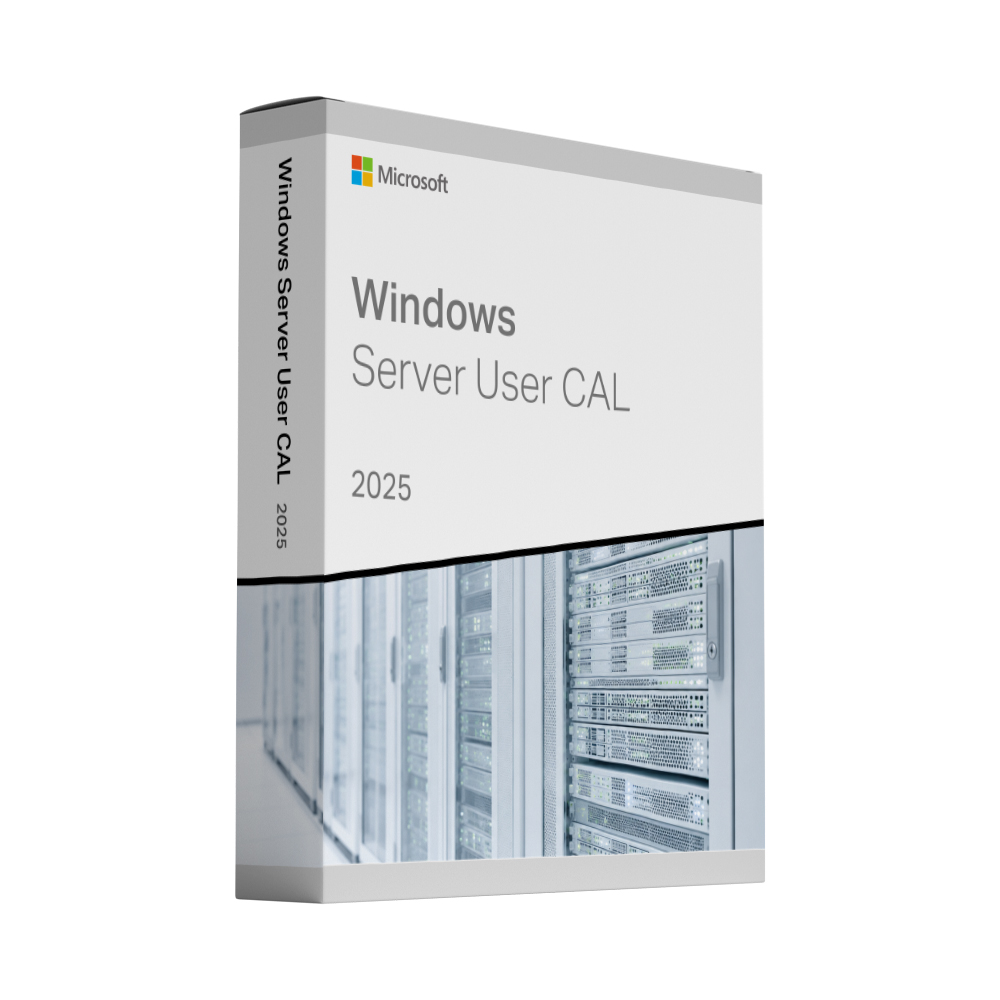
Microsoft Windows Server 2025 RDS User CAL – 50 Users
Remote Desktop Services (RDS) User Client Access Licences (CALs) license the people who sign in to a Windows Server through Remote Desktop – for example to work in an application hosted on the server or to use a full remote desktop. This licence pack contains 50 RDS User CALs for Windows Server 2025, so 50 named users can connect, each from any number of devices.
Agregar los CAL a tu servidor
The 50 RDS User CALs are installed on your own Remote Desktop license server:
- Añade el servicio de rol de licencias de la función «Despacho remoto» y activa el servidor de licencias.
- En el Administrador de licencias de Desplazamiento a distancia, haga clic con el botón derecho en el servidor y seleccione Instalar licencias, Seleccione su programa de licencias y introduzca el código de licencia que recibió con su pedido.
- Seleccione Windows Server 2025 como versión del producto, RDS Per User CAL como el tipo de licencia y 50 como la cantidad.
- Configure el modo de licencia en Por Usuario: in Server Manager under Deployment Properties → RD Licensing, or by group policy.
Per User CALs need an Active Directory domain; on workgroup servers Microsoft only permits Per Device CALs. If you need help with the setup, just Contáctenos.
Qué está incluido
- 50 Windows Server 2025 RDS User CALs in one licence pack
- Remote Desktop access for 50 named users, each from any number of devices
- Valid for Remote Desktop Session Host, full remote desktops and RemoteApp programs
- Permanent licence, no subscription
Requirements
- A licensed Windows Server (Standard or Datacenter) – for example Windows Server 2025 Standard. The CALs do not replace the server licence.
- A Remote Desktop license server running Windows Server 2025 or newer.
- A Windows Server CAL for every user who accesses the server. RDS CALs are needed in addition to it, not instead of it.
For Remote Desktop Session Hosts running Windows Server 2025 you need 2025 RDS CALs; earlier CAL versions are not accepted there.
Entrega y activación
Your licence code is sent to the email address you use at checkout, straight after your payment is confirmed. A step-by-step activation guide comes with it, and if a key ever fails to activate we replace it free of charge.
Windows Server 2025 RDS User CAL (50 users): frequently asked questions
What is the difference between RDS User CALs and RDS Device CALs?
A User CAL licenses one named person, who may connect from any number of devices – a PC in the office, a laptop at home and a tablet on the road. A Device CAL licenses one device, no matter how many people use it. User CALs suit staff who work from several devices; Device CALs suit shared terminals used in shifts.
Which Windows Server versions can I use these CALs with?
RDS CALs work with Remote Desktop Session Hosts running the same version or an earlier one. The license server that issues them must run Windows Server 2025 or newer.
Do I also need Windows Server CALs?
Yes. Microsoft requires a Windows Server CAL for every user or device that accesses the server, and an RDS CAL in addition for everyone who uses Remote Desktop. If you are unsure what your environment needs, Contáctenos antes de realizar el pedido.
What happens if I need more than 50 users?
You can install several licence packs on the same license server; the CALs add up. For larger numbers, please contact us.