Cosa include Office Home and Business per Mac
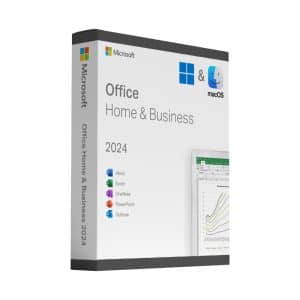
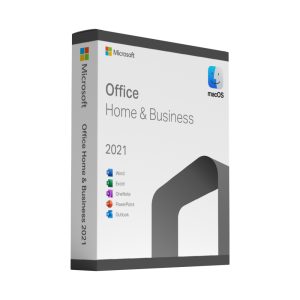
L'edizione Home & Business contiene i quattro programmi che gli utenti Mac utilizzano realmente: Word, Excel, PowerPoint e Outlook. Tutte e quattro sono versioni native per macOS – non app web e non conversioni da Windows – quindi supportano Apple Silicon, display Retina, Continuity e il foglio di condivisione di macOS.
I file sono pienamente compatibili con le versioni Windows di Office, il che è più importante di qualsiasi elenco di funzionalità se si scambiano documenti con colleghi o clienti.
Office 2024 o Office 2021 per Mac?
For a new purchase, choose Office Home & Business 2024 for Mac. It is the only one-off release in this category that still receives Microsoft security updates on a supported version of macOS. Microsoft support ends on 9 October 2029. Office 2021 per Mac reached the end of support on 13 October 2026: an existing installation may still work, but Microsoft no longer supplies security updates for it.
Perché non Microsoft 365?
Un abbonamento ti addebita un costo ogni mese per tutto il tempo in cui lo usi e smette di funzionare quando smetti di pagare. Una licenza perpetua si acquista una sola volta e rimane tua. Se scrivi principalmente documenti, usi fogli di calcolo e gestisci la posta elettronica – anziché aver bisogno delle ultimissime funzionalità cloud –, l'acquisto una tantum offre un valore di gran lunga migliore nell'arco di tre o cinque anni.
Installazione sul tuo Mac
Download the official installer package using the link in your email, run it, then open any of the applications and sign in with the product key when prompted. For Office 2024 updates, your Mac must run one of the three most recent major versions of macOS. Check your version under Apple menu → About This Mac before buying. The whole process takes about ten minutes, and our support is there if it does not.