Windows 11 or Windows 10?
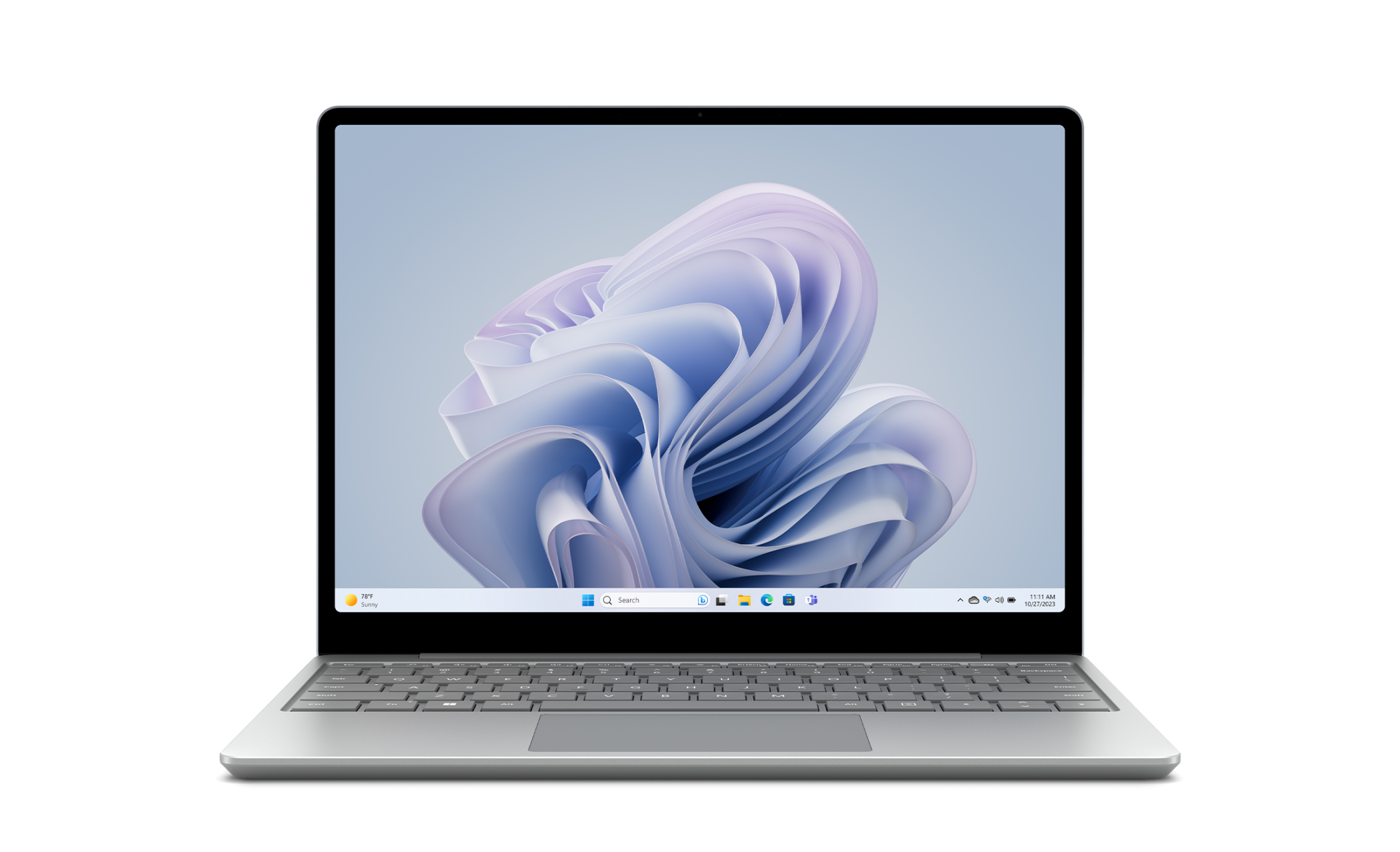
For any machine bought in the last few years, Windows 11 is the right choice. It is the current release, it receives security updates for years to come, and its hardware requirements – a supported processor, 4 GB of RAM, TPM 2.0 and Secure Boot – are met by most computers made since roughly 2018.
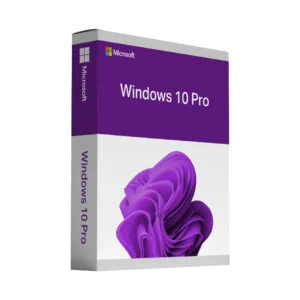
Windows 10 remains relevant for older hardware that cannot meet those requirements, and for people who prefer the familiar interface. It is important to be straightforward about one point: Microsoft ended free security updates for Windows 10 in October 2025. If your machine can run Windows 11, we would recommend it.
Home or Pro – what actually differs?
- Home (Windows 11 Home key) covers everything a private user needs: the full desktop, Microsoft Store, Windows Security, Windows Update and all the built-in apps.
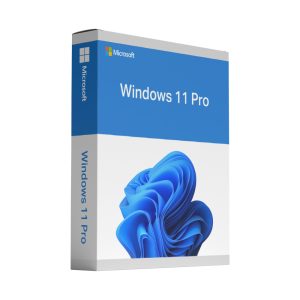
- Pro (Windows 11 Pro key) adds BitLocker drive encryption, Remote Desktop as a host, Hyper-V virtualisation, Group Policy and the ability to join a domain. If you work from home for a company, handle sensitive data, or want to connect to your PC remotely, Pro is worth the small difference in price.
What you receive
Immediately after payment you get an email containing the product key, a direct link to the official Microsoft installation media, and clear instructions. You can either activate an existing Windows installation with the key or perform a clean install from the downloaded media – both routes are covered in the instructions.
Upgrading from Windows 10 to Windows 11
You do not have to erase your machine. Run the official Windows 11 installer over your existing system and choose to keep files and applications. Take a backup first – that advice never gets old – and check the hardware requirements before you start. If the compatibility check fails, write to us before ordering and we will tell you honestly whether the upgrade is worth attempting.