What Home and Business for Mac includes
The Home and Business edition contains the four programs Mac users actually reach for: Word, Excel, PowerPoint and Outlook. All four are the native macOS versions – not web apps and not a Windows port – so they support Apple Silicon, Retina displays, Continuity and the macOS share sheet.
Files are fully compatible with the Windows versions of Office, which matters more than any feature list if you exchange documents with colleagues or clients.
Office 2024 or Office 2021 for Mac?
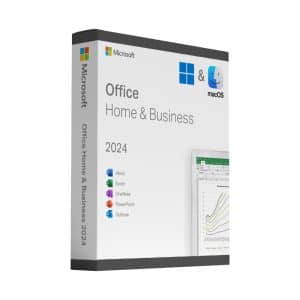
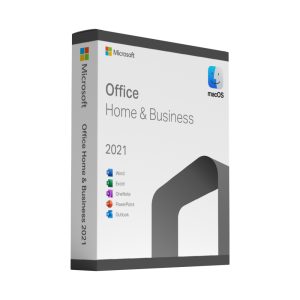
For a new purchase, choose Office Home & Business 2024 for Mac. It is the only one-off release in this category that still receives Microsoft security updates on a supported version of macOS. Microsoft support ends on 9 October 2029. Office 2021 for Mac reached the end of support on 13 October 2026: an existing installation may still work, but Microsoft no longer supplies security updates for it.
Why not Microsoft 365?
A subscription charges you every month for as long as you use it and stops working when you stop paying. A perpetual licence is bought once and remains yours. If you mainly write documents, keep spreadsheets and handle email – rather than needing the very latest cloud features – the one-off purchase is far better value over three to five years.
Installing on your Mac
Download the official installer package using the link in your email, run it, then open any of the applications and sign in with the product key when prompted. For Office 2024 updates, your Mac must run one of the three most recent major versions of macOS. Check your version under Apple menu → About This Mac before buying. The whole process takes about ten minutes, and our support is there if it does not.