What Home and Business for Mac includes
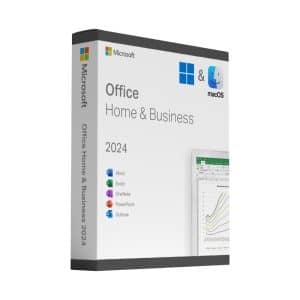
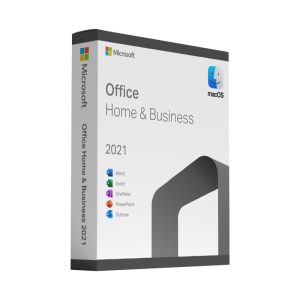
The Home and Business edition contains the four programs Mac users actually reach for: Word, Excel, PowerPoint and Outlook. All four are the native macOS versions – not web apps and not a Windows port – so they support Apple Silicon, Retina displays, Continuity and the macOS share sheet.
Files are fully compatible with the Windows versions of Office, which matters more than any feature list if you exchange documents with colleagues or clients.
Office 2024 or Office 2021 for Mac?
Office 2024 for Mac is the current perpetual release: the longest support window, the newest Excel functions and a refreshed interface. Office 2021 for Mac is the value choice – the same four programs, a lower price, and a support window that still has years to run. For everyday writing, spreadsheets and email, the practical difference between the two is small.
Why not Microsoft 365?
A subscription charges you every month for as long as you use it and stops working when you stop paying. A perpetual licence is bought once and remains yours. If you mainly write documents, keep spreadsheets and handle email – rather than needing the very latest cloud features – the one-off purchase is far better value over three to five years.
Installing on your Mac
Download the official installer package using the link in your email, run it, then open any of the applications and sign in with the product key when prompted. Both releases support current macOS versions on Intel and Apple Silicon machines. The whole process takes about ten minutes, and our support is there if it does not.