 Encrypted checkout
Description
Office 2021 is no longer supported by Microsoft, but it is supported by us. You can continue using Office 2021, but you won’t receive updates from Microsoft.
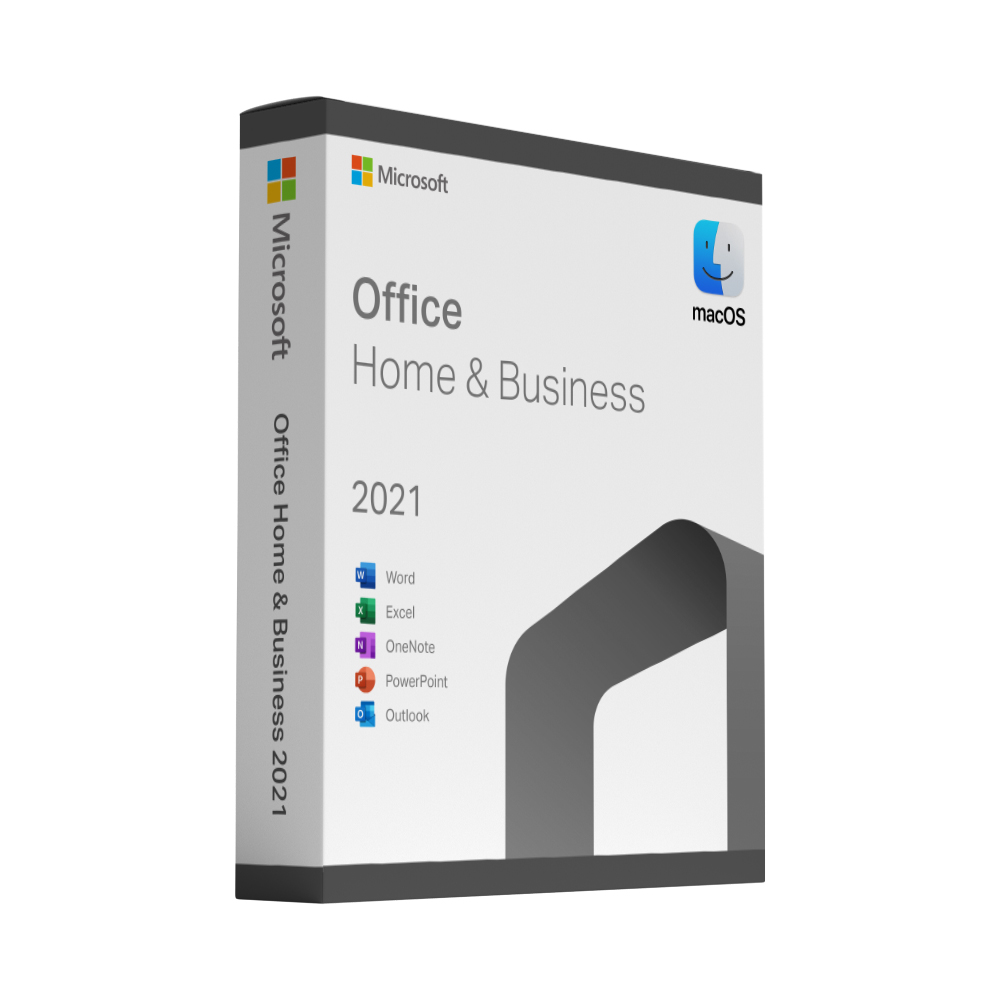
Microsoft Office Home & Business 2021 for Mac
Microsoft Office Home & Business 2021 for Mac includes classic versions of Word, Excel, PowerPoint and Outlook.
Important: Office 2021 reached end of support on October 13, 2026. Microsoft no longer provides security updates, bug fixes or technical support for this version.
Important: Please read before purchasing
This product does NOT include a standard Microsoft retail product key.
You will receive
- A ready-made volume licence installation package, which you download and then activate on your Mac.
Activation is performed using the supplied activation package. It is not redeemed through setup.office.com and is not associated with a personal Microsoft account.
Compatibility and Support Notice
Office 2021 is a discontinued version. It no longer receives updates or security fixes from Microsoft.
Compatibility depends on your macOS version and the installer supplied. Please contact us before purchasing to confirm whether your Mac is supported.
Please note
- This is not a Microsoft 365 subscription.
- No conventional 25-character retail product key is provided.
- Do not expect to redeem a key through Microsoft’s website.
- Automatic Office updates should remain disabled unless instructed otherwise.
Installation instructions and customer support are included.
Office 2021 for Mac: frequently asked questions
Which macOS do I need?
macOS 14 Sonoma or later. Microsoft supports Office for Mac on the three most recent macOS versions. You can check your version under Apple menu › About This Mac.
Does it run on Apple silicon and Intel Macs?
Yes. Office for Mac is a universal app and runs natively on Macs with Apple silicon (M1 and later) and on Intel Macs.
What exactly do I receive?
Instantly after payment you receive an email with two links – the Office for Mac download and the volume licence file – plus a step-by-step guide.
Do I get a product key for office.com/setup?
No. This is the volume licence version of Office for Mac. There is nothing to redeem on the Microsoft website – the licence file activates Office directly on your Mac.
Do I need a Microsoft account?
Not for activation. The licence file activates Office without a sign-in.
On how many Macs can I use it?
The licence is for one Mac. It is a one-time purchase with no renewal date.
Is this a Microsoft 365 subscription?
No. Office 2021 for Mac is a perpetual desktop version: Word, Excel, PowerPoint and Outlook without a monthly fee. It does not include the Microsoft 365 online services, extra cloud storage or yearly feature updates.
What if the installation or activation does not work?
Contact us on WhatsApp or via the contact form – we help you set it up. If the licence cannot be activated, we replace it free of charge, with no time limit.
How long will Office 2021 for Mac receive updates?
Microsoft ended support for Office 2021 on 13 October 2026. The apps keep working, but Microsoft no longer releases security updates. Our support does not end: we are still here for you permanently if you have a problem or need help. If you want security updates, choose Office 2024 for Mac.