 Encrypted checkout
Description
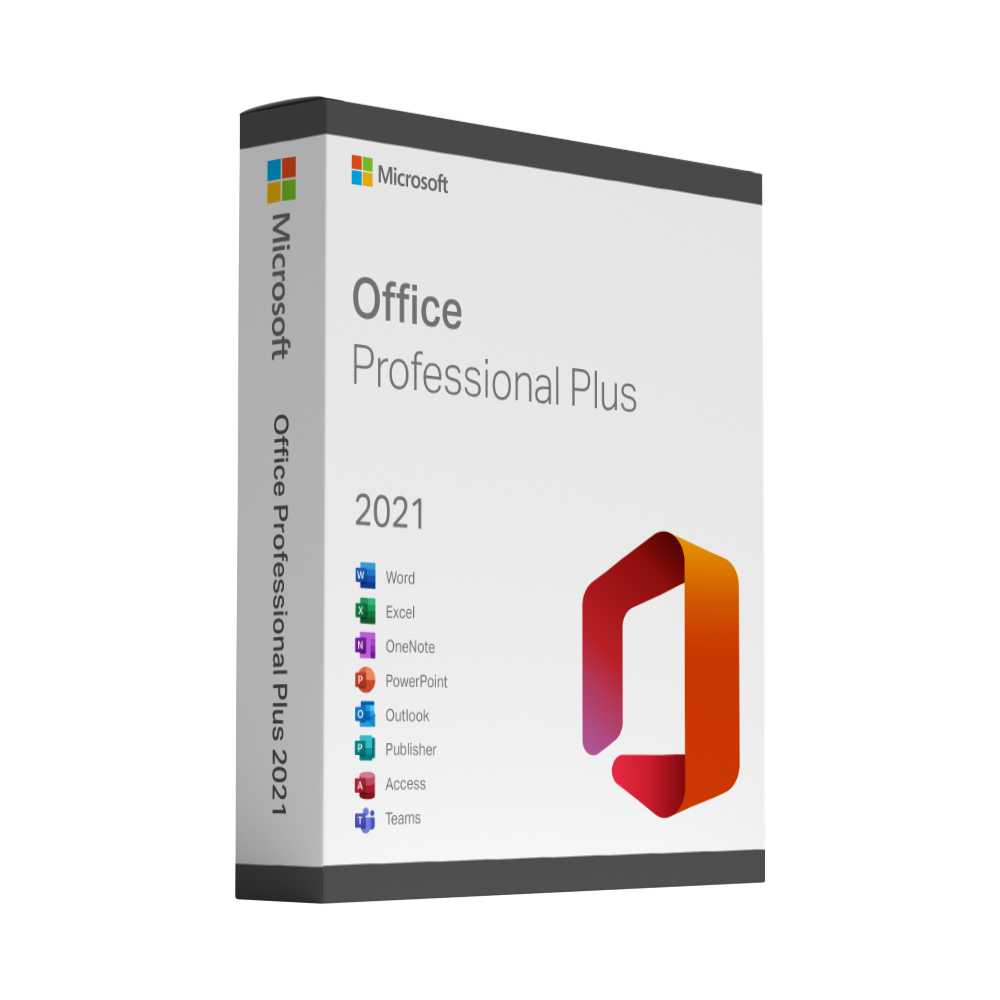
Microsoft Office 2021 Professional Plus
Microsoft Office 2021 Professional Plus combines the core Office programs with the Access database in one perpetual licence for Windows. You buy it once, install it on your own PC and use it without a monthly fee.
What is included
- Word, Excel, PowerPoint and Outlook in the 2021 version
- The Access database, which the Standard edition does not include
- A perpetual licence for one Windows PC
- Security updates from Microsoft during the support period of this release
Who this licence is for
Professional Plus is aimed at offices and self-employed users who work with databases and reports as well as documents. Without that need, Office 2021 Standard offers the same everyday programs at a lower price.
Delivery and activation
Your product key and the download link are sent to the email address you use at checkout, straight after your payment is confirmed. A step-by-step activation guide comes with it, and if a key ever fails to activate we replace it free of charge.
Good to know
This is a perpetual desktop licence, not a Microsoft 365 subscription. It does not include the online services, the additional cloud storage or the yearly feature updates that come with Microsoft 365.
Office 2021 Professional Plus: frequently asked questions
Which applications are included in Office 2021 Professional Plus?
Word, Excel, PowerPoint, Outlook and the Access database in their 2021 versions, installed locally on one Windows PC. It is the edition for offices and self-employed users who work with databases and reports as well as documents. Teams is not part of the suite and is available separately from Microsoft.
When does Microsoft’s support for Office 2021 end, and will it still work afterwards?
Microsoft ends support for Office 2021 on 13 October 2026, with no extension and no extended security updates. The applications keep working after that date, but Microsoft no longer provides security fixes, bug fixes or technical support. If you want a suite with support until October 2029, choose Office 2024 Professional Plus instead.
Office 2021 or Office 2024 Professional Plus – which should I buy?
Both are one-time purchases with the same core applications – Word, Excel, PowerPoint, Outlook and Access – for one Windows PC. Office 2024 is the newer release with Microsoft support until 10 October 2029, while support for Office 2021 ends on 13 October 2026. Office 2021 is the lower-priced option if you need a familiar suite for a PC that will not be in use for many more years; otherwise Office 2024 is the longer-lasting choice.
Which Windows versions does Office 2021 Professional Plus run on?
Microsoft supports Office 2021 on Windows 10 and Windows 11. It is a Windows-only product; for macOS, choose Office 2021 Home & Business for Mac. The installation files are downloaded from Microsoft via the link in your email.
Is Office 2021 Professional Plus a one-time purchase?
Yes. You pay once, and the perpetual licence has no subscription, renewal date or monthly fee. Unlike Microsoft 365 it does not include cloud storage, online services or new feature updates – you get the desktop applications at a fixed price.
Can I open files from colleagues who use Microsoft 365 or Office 2024?
Yes. Office 2021 uses the same file formats – .docx, .xlsx and .pptx – so documents can be exchanged with Microsoft 365, Office 2024 and older versions. Functions that exist only in newer releases may appear differently, but the files open and save normally.
Can I use Outlook 2021 with my existing email account?
Yes. Outlook 2021 supports the common account types – Microsoft 365 and Exchange, Outlook.com, Gmail and IMAP/POP mailboxes. Add the account under File › Add Account with your email address and password; for Gmail you sign in through Google and allow access.
Does Office 2021 Professional Plus work offline?
Yes. The suite is installed locally on your PC and works without an internet connection; your files stay on your device unless you choose to save them to a cloud service. An internet connection is needed for the download, for activation and for Microsoft’s updates.