 Encrypted checkout
Description
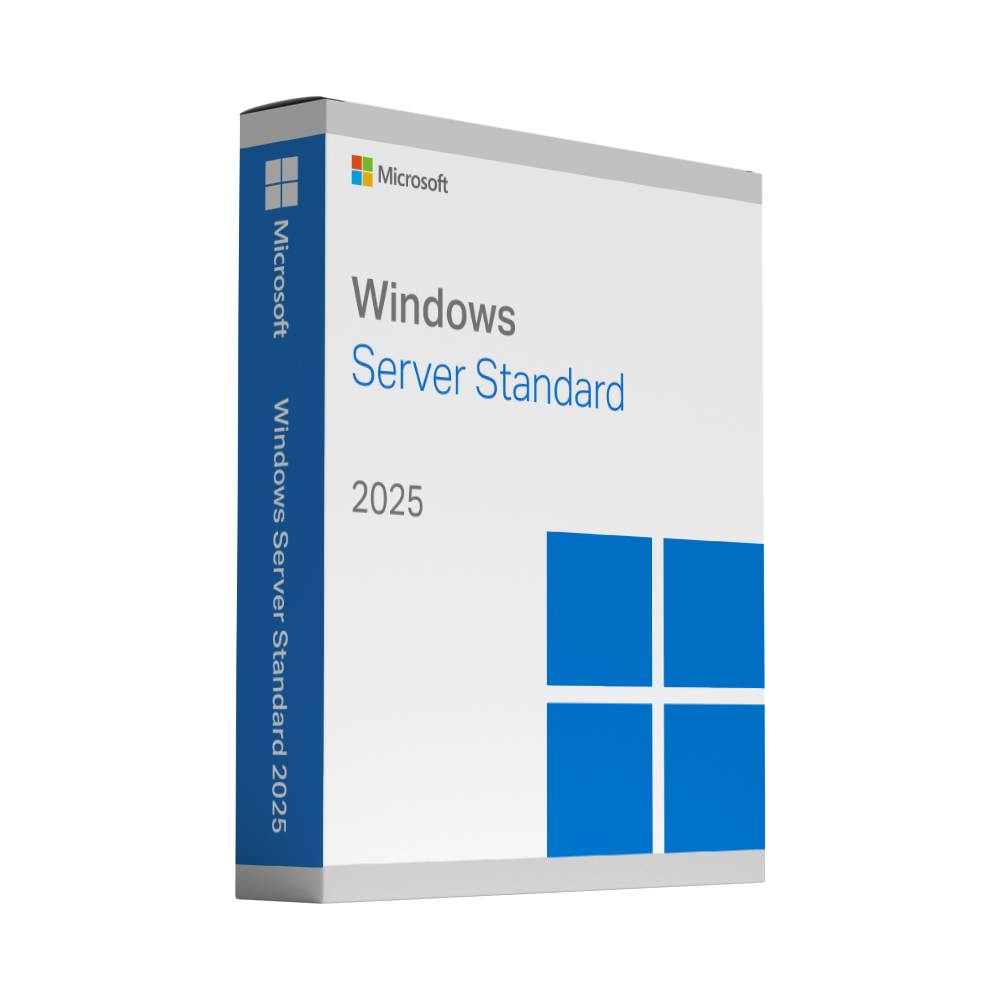
Microsoft Windows Server 2025 Standard
Windows Server 2025 Standard is Microsoft’s current server operating system for physical and lightly virtualised environments. It runs file and print services, Active Directory, web and application workloads on hardware you control, with the security hardening of the 2025 generation.
Includes 50 RDS User CALs
This bundle includes 50 Remote Desktop Services (RDS) User Client Access Licences (CALs) compatible with Windows Server 2025. The RDS User CALs are supplied with your purchase and let 50 named users access the server via Remote Desktop from any device.
Adding the CALs to your server
The 50 RDS User CALs are installed on your own Remote Desktop license server and linked to your Windows Server version:
- Add the Remote Desktop Licensing role service and activate the license server.
- In Remote Desktop Licensing Manager, right-click the server, choose Install licenses, select your licence programme and enter the licence code you receive with your order.
- Select Windows Server 2025 as the product version, RDS Per User CAL as the licence type and 50 as the quantity.
- Set the licensing mode to Per User: in Server Manager under Deployment Properties › RD Licensing, or with the Group Policy “Set the Remote Desktop licensing mode”.
Per User CALs need an Active Directory domain; on workgroup servers Microsoft only permits Per Device CALs. If you need help with the setup, just contact us.
What is included
- 50 version-compatible RDS User CALs included
- The Standard edition of Windows Server 2025 for physical servers and small virtual environments
- Active Directory Domain Services, file and print services, IIS and Hyper-V
- Administration through Windows Admin Center and PowerShell
- The security improvements introduced with the 2025 generation
Who this licence is for
For small and medium businesses running their own server: domain, shared drives, printers, backup targets or a line-of-business application. If you virtualise heavily, the Datacenter edition is the one to look at.
Delivery and activation
Your product key and the download link are sent to the email address you use at checkout, straight after your payment is confirmed. A step-by-step activation guide comes with it, and if a key ever fails to activate we replace it free of charge.
Good to know
The included RDS User CALs cover Remote Desktop access for 50 named users. Windows Server core-licensing requirements still apply; CALs do not replace the server licence. If you need access for more than 50 users or are unsure about your environment, please contact us before ordering.
Windows Server 2025 Standard (incl. 50 RDS User CALs): frequently asked questions
What are RDS User CALs, and what do the 50 included CALs cover?
Remote Desktop Services (RDS) CALs license users who sign in to the server through Remote Desktop sessions – for example to work in an application hosted on the server. The 50 RDS User CALs included with this licence cover Remote Desktop access for 50 named users. Microsoft separately requires the core-based server licence and a Windows Server CAL for every user or device that accesses the server; the RDS CALs do not replace either, so if you are unsure what your environment needs, contact us before ordering.
How many virtual machines can I run with Windows Server 2025 Standard?
Microsoft licenses Standard for two virtual machines plus one Hyper-V host per licence, provided all physical cores of the server are licensed. The Datacenter edition allows unlimited virtual machines on the licensed host. If you plan to virtualise heavily, our comparison of Windows Server 2025 vs 2022, Standard and Datacenter explains which edition fits.
Standard or Datacenter – which edition do I need?
Standard is designed for physical servers and minimally virtualised environments: domain controllers, file and print servers, IIS, backup targets or a line-of-business application for a small or medium business. Datacenter is for highly virtualised data centres and adds unlimited virtual machines, Storage Spaces Direct, Network Controller and shielded-VM support. For two VMs or fewer, Standard is the economical choice.
How long will Microsoft support Windows Server 2025?
Windows Server 2025 follows Microsoft’s Fixed Lifecycle Policy: mainstream support runs until November 2029 and extended support until November 2034. Security updates are delivered through Windows Update for the whole period. The licence itself is perpetual and does not expire.
How do I activate Windows Server 2025 Standard with the key?
Enter the 25-character key during installation, or afterwards under Settings › System › Activation – or with the commands slmgr /ipk followed by your key and then slmgr /ato in an elevated command prompt. Activation runs online and usually takes a few seconds. Your email contains the download link for the installation media and a step-by-step guide; if anything fails, our support will sort it out with you.
Can I upgrade an existing Windows Server 2019 or 2022 installation to 2025?
Yes. Microsoft supports an in-place upgrade to Windows Server 2025 from Windows Server 2019 and 2022 (and from some older versions), keeping roles, settings and data. Take a full backup, check that your hardware and applications are supported, run the Windows Server 2025 setup from the installation media and enter your new key when asked.
Does the key work for both the Desktop Experience and Server Core installation options?
Yes. The product key activates the Standard edition regardless of the installation option you choose during set-up – Server Core without a graphical interface, or Server with Desktop Experience. You cannot switch between the two options after installation without reinstalling, so decide before you set up.
Can the included RDS CALs be used with an older Windows Server version?
The CALs supplied are version-compatible with Windows Server 2025. Under Microsoft’s rules, RDS CALs can be used with Remote Desktop hosts of the same or an older version, but not with a newer one. If you plan to use them on a Windows Server 2022 or 2019 host, write to us before ordering and we will confirm that it works with the CALs we supply.