 Encrypted checkout
Description
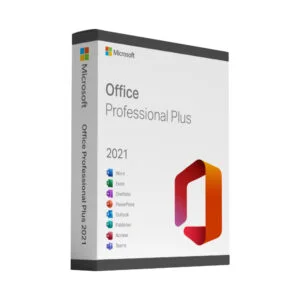
Buy a genuine Office 2024 Professional Plus key for one PC
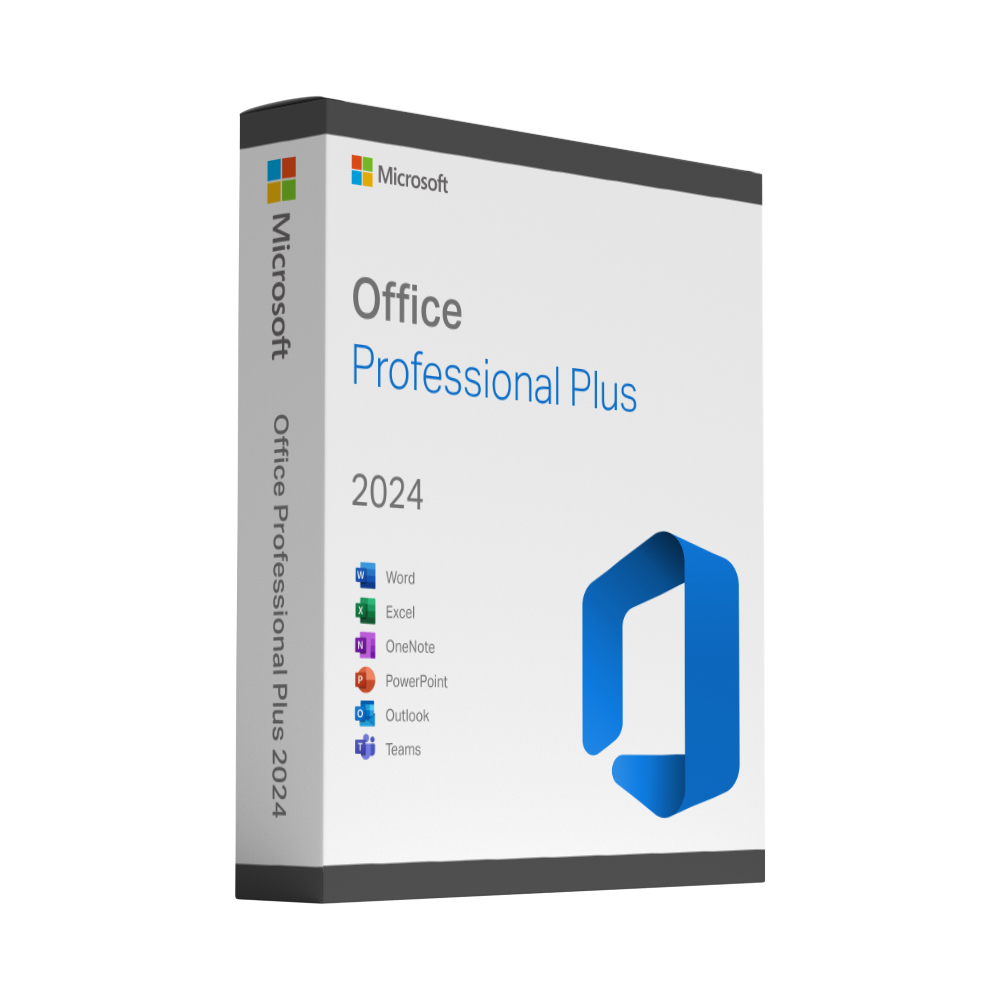
Buy a genuine Microsoft Office 2024 Professional Plus key for one Windows PC as a one-time payment – no subscription, no renewal date. The product key, Microsoft’s official download link and a step-by-step guide are sent to your email in about 60 seconds after payment, 24/7. Every key is covered by our lifetime activation guarantee: if it ever fails to activate, you choose a new key or a refund. Professional Plus is the largest desktop suite of the 2024 generation – Word, Excel, PowerPoint and Outlook plus the Access database – and everything runs locally on your own PC.
What is included in your Office 2024 Professional Plus key
- Word, Excel, PowerPoint and Outlook in the 2024 version
- The Access database, which the Standard edition does not include
- A perpetual licence for one Windows PC – a genuine product key that activates directly with Microsoft
- Security updates from Microsoft during the support period of this release
- Microsoft’s official download link and a step-by-step activation guide by email
Who the Office 2024 Professional Plus licence is for
Professional Plus is the edition businesses pick when they work with databases, reports and larger data sets alongside the usual documents and spreadsheets. For everyday writing, spreadsheets and email, the Office 2024 Standard key covers the same ground for less.
Office 2024 Professional Plus vs Office 2024 Standard vs Microsoft 365
Professional Plus and Standard are both perpetual licences for one Windows PC: you buy once and keep the programs. The difference is Access – included in Professional Plus, not in Standard. Microsoft 365, by contrast, is a subscription: you pay every month or year, get the cloud services and the continuous feature updates, and lose access when you stop paying. If you want the full desktop suite with Access as a one-off purchase, Professional Plus is the edition to choose. Our guide Office 2024 vs Microsoft 365 – one-time purchase or subscription? compares the two in detail.
Delivery: your Office 2024 Professional Plus key by email in about 60 seconds
Your product key and the download link are sent to the email address you use at checkout, straight after your payment is confirmed – usually within about 60 seconds, around the clock. A step-by-step activation guide comes with it, and if a key ever fails to activate we replace it free of charge or refund you – your choice, for the lifetime of the licence.
Good to know before you buy Office 2024 Professional Plus
This is a perpetual desktop licence for Windows, not a Microsoft 365 subscription. It does not include the online services, the additional cloud storage or the yearly feature updates that come with Microsoft 365. The key activates one PC and stays with that machine, so a reinstall of the same PC is covered.
Office 2024 Professional Plus: frequently asked questions
Which applications are included in Office 2024 Professional Plus?
Word, Excel, PowerPoint, Outlook and the Access database in their 2024 versions, installed locally on one Windows PC; Microsoft lists the OneNote desktop app as part of the Professional Plus 2024 suite as well. Access is the application that sets Professional Plus apart from Office 2024 Standard, which is why businesses choose it for database and reporting work.
Is Office 2024 Professional Plus a one-time purchase?
Yes. You pay once, the licence is perpetual and there is no subscription, renewal date or monthly fee. Unlike Microsoft 365, it does not include cloud storage, online services or new feature updates, but the applications keep working for as long as you use the PC. Our article Office 2024 vs Microsoft 365 explains which option suits you.
Which versions of Windows does Office 2024 Professional Plus run on?
Microsoft supports Office 2024 on Windows 10 and Windows 11. It is a Windows-only suite; for Apple computers choose Office 2024 Home & Business for Mac instead. The installation files come from Microsoft via the download link in your email.
Does Office 2024 Professional Plus include Microsoft Teams or Publisher?
No. According to Microsoft, Teams is not included in any Office 2024 edition; it can be downloaded separately from Microsoft free of charge. Publisher is not part of Office 2024 either, because Microsoft is retiring it in 2026.
How long will Microsoft support Office 2024?
Microsoft provides five years of support for Office 2024, ending on 10 October 2029. Until then you receive security updates; after that date the applications continue to work, but Microsoft no longer issues security fixes. Your licence itself does not expire.
What is the difference between Office 2024 Professional Plus, Standard and Home & Business?
Professional Plus is the only edition with the Access database. Office 2024 Standard offers Word, Excel, PowerPoint and Outlook without Access, and Home & Business for Mac brings Word, Excel, PowerPoint and Outlook to macOS. If you work with databases, reports or larger data sets, choose Professional Plus; for everyday documents, spreadsheets and email, Standard covers the same ground for less.
Does Office 2024 receive new features or AI tools?
No. Office 2024 is a release that stays as it is: Microsoft delivers security updates during the support period but no new feature updates, and Copilot and other AI features are reserved for Microsoft 365 subscriptions. That is the trade-off of a one-time purchase – a stable, familiar set of applications at a fixed price.
Can I replace Office 2021 or Office 2019 with Office 2024 using this key?
Yes. Install Office 2024 from the download link in your email and activate it with your key; we recommend uninstalling the older version first so that two versions do not run side by side. Your documents are not affected. Microsoft’s support for Office 2021 ends on 13 October 2026, and support for Office 2019 ended in October 2025, so moving to Office 2024 keeps you on a supported suite until October 2029.